How to Monetize Your Chrome Extension in 2025 (5 Proven Models)
Most Chrome extensions make $0. Learn the 5 proven monetization models that actually work, with real examples and strategies to maximize revenue from your extension.
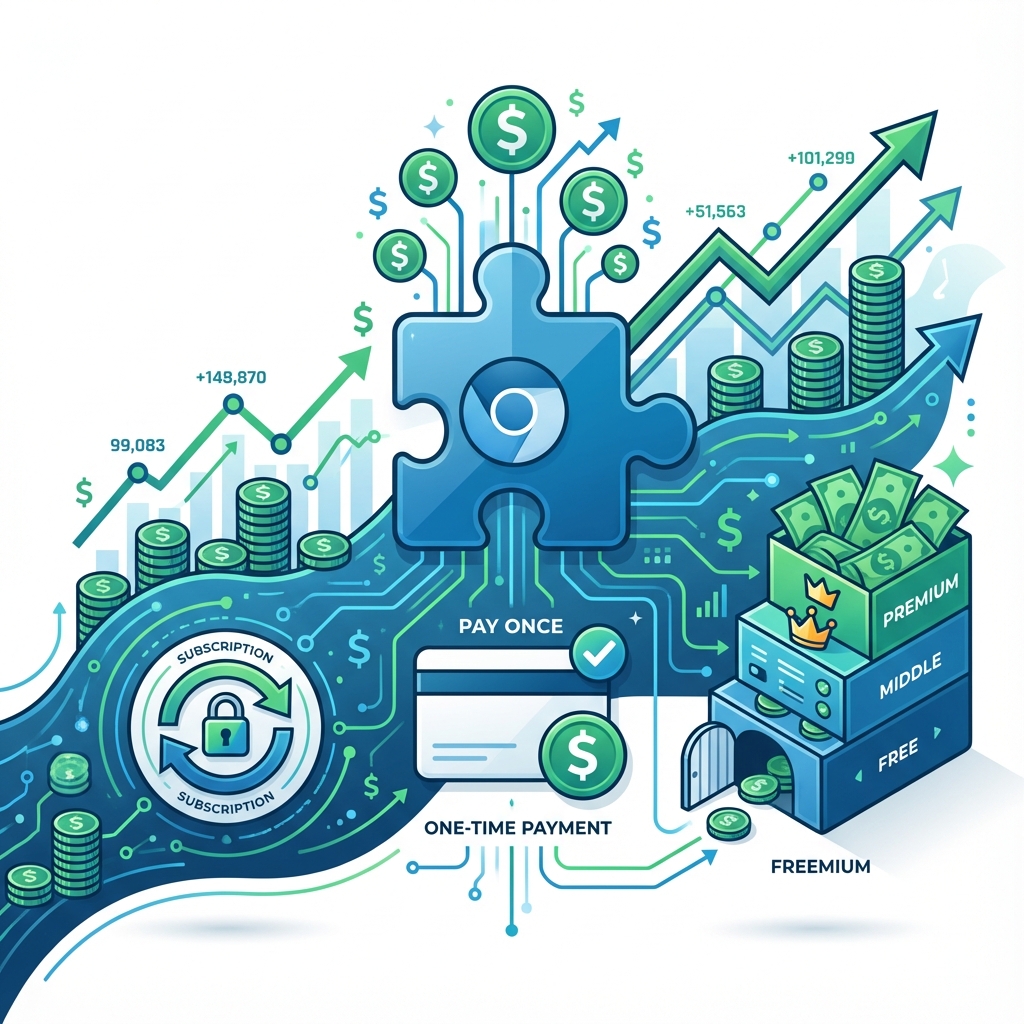
Here's a brutal truth: Most Chrome extensions make exactly $0.
Not because they're bad. Not because nobody uses them. But because the developer never figured out how to turn users into revenue.
I've analyzed hundreds of extensions in the Chrome Web Store. The ones making real money aren't always the best products. They're the ones with the best business models.
Today, I'm going to show you the 5 monetization models that actually work, when to use each one, and how to spy on what your competitors are charging.
Let's turn your extension into a business.
The Reality Check: Why Most Extensions Fail to Monetize
Before we dive into models, let's understand why monetization fails:
- "I'll figure it out later" - You build first, monetize never.
- Wrong model for wrong audience - Selling subscriptions to users who only need the tool once.
- Pricing too low - Undervaluing your work because you're scared of rejection.
- No payment infrastructure - The technical friction stops you.
The fix? Choose your model before you write a single line of code. Your monetization strategy should influence your feature set, not the other way around.
Model 1: Freemium (Free Tier + Paid Upgrade)
How it works: Give away a useful free version. Lock advanced features behind a paywall.
Best for: Extensions with a clear "power user" tier.
Real Examples:
- Grammarly: Free spell-check. Paid: tone detection, plagiarism checker.
- Loom: Free 5-minute recordings. Paid: unlimited length, team features.
- Notion Web Clipper: Free clipping. Paid: advanced databases.
The Psychology:
Users try your free tier, get hooked, then hit a limitation at the exact moment they need more. That's when they pay.
Implementation Tips:
- Don't cripple the free tier. It should be genuinely useful, not a demo.
- Lock features that matter to power users: Export, sync, advanced filters, team collaboration.
- Show locked features in the UI. Let free users see what they're missing.
Pricing Benchmark:
| Tier | Typical Price |
|---|---|
| Free | $0 |
| Pro (Monthly) | $5-15/month |
| Pro (Yearly) | $40-100/year |
Model 2: Subscription (Recurring Revenue)
How it works: Users pay monthly or yearly for continued access.
Best for: Extensions that provide ongoing value (SEO tools, productivity, analytics).
Real Examples:
- SEMrush Extension: Part of SEMrush subscription.
- Vidiq: YouTube analytics, $7.50-50/month.
- Keywords Everywhere: Credits-based, but effectively recurring.
Why Subscriptions Win:
- Predictable revenue. You know what you'll make next month.
- Higher lifetime value. A $10/month user paying for 2 years = $240.
- Aligns incentives. You're motivated to keep improving.
Implementation Tips:
- Offer annual discounts (20-40% off). This locks in revenue and reduces churn.
- Send usage emails. Remind users of the value they're getting.
- Make cancellation easy. Counterintuitive, but trust builds retention.
Tools to Implement:
- ExtensionPay: Built specifically for Chrome extensions.
- Stripe: Direct integration (more work, more control).
- Paddle: Handles global taxes for you.
Model 3: One-Time Purchase (Lifetime License)
How it works: Users pay once, get access forever.
Best for: Extensions with a fixed value proposition that doesn't require ongoing updates.
Real Examples:
- Extension Radar: $29 lifetime access.
- Dark Reader (donations): Effectively one-time.
- Many productivity extensions: Single purchase, no renewal.
Pros:
- Simple to understand. No subscription fatigue.
- Higher conversion rate. Users prefer paying once.
- No churn anxiety. Money in the bank.
Cons:
- No recurring revenue. You need new customers every month.
- Harder to justify updates. Why keep improving if users already paid?
When to Use This:
- Your extension solves a specific, one-time problem.
- Your audience is price-sensitive (indie developers, students).
- You want to keep things simple.
Pricing Benchmark:
| Complexity | Typical Price |
|---|---|
| Simple tool | $9-19 |
| Medium complexity | $29-49 |
| Full-featured suite | $79-149 |
Model 4: Ads (Display Ads in Your Extension)
How it works: Show ads in your popup, new tab page, or sidebar. Get paid per impression or click.
Best for: Extensions with massive free user bases (100K+ users) and frequent usage.
Real Examples:
- New Tab Page extensions: Often show sponsored backgrounds.
- Weather extensions: Display ads alongside content.
- Free VPN extensions: (Often sketchy, be careful here.)
The Math:
Let's be realistic about ad revenue:
| Daily Active Users | CPM ($) | Monthly Revenue |
|---|---|---|
| 10,000 | $1 | ~$300 |
| 100,000 | $1 | ~$3,000 |
| 1,000,000 | $1 | ~$30,000 |
You need massive scale for ads to be meaningful.
Warnings:
- Users hate ads. Expect 1-star reviews.
- Google may reject you. Intrusive ads violate policies.
- Reputation damage. Your brand becomes "that extension with ads."
My Recommendation:
Unless you have 100K+ daily active users, skip ads. Focus on conversion instead.
Model 5: Affiliate & Partnerships
How it works: Recommend related tools and earn commission when users sign up.
Best for: Extensions that naturally integrate with other services.
Real Examples:
- SEO extensions recommending hosting providers.
- Email extensions recommending email marketing tools.
- Developer tools recommending courses or services.
How to Do It Right:
- Only recommend what you actually use. Users can smell fake recommendations.
- Disclose the relationship. Transparency builds trust.
- Make it contextual. Recommend at the moment of need, not randomly.
Typical Commissions:
| Category | Commission |
|---|---|
| SaaS tools | 20-40% recurring |
| Courses | 30-50% one-time |
| Hosting | $50-100 per signup |
How to Spy on Competitor Pricing
Here's the secret most developers miss: Your competitors have already done the pricing research for you.
If three competitors charge $10/month, that's the market rate. If you charge $5, you're undervaluing yourself. If you charge $50, you need a strong differentiator.
The Manual Way:
- Find 5 competitors in your niche.
- Visit their websites and Chrome Web Store pages.
- Note their pricing, tiers, and feature breakdown.
- Read their reviews to see if users complain about pricing.
The Fast Way (Using Extension Radar):
Instead of manually reading 500 reviews across 5 competitors, use Extension Radar to instantly see:
- What users say about pricing ("too expensive", "great value").
- Which features users wish were free vs. paid.
- Competitor weaknesses you can exploit.
This takes 60 seconds instead of 5 hours.
👉 Analyze Your Competitors' Pricing Strategy for $29 →
Choosing the Right Model for Your Extension
Not sure which model to pick? Use this decision tree:
1. Does your extension require ongoing updates/data?
   → YES: Subscription or Freemium
   → NO: One-Time Purchase

2. Can you reach 100K+ users for free?
   → YES: Consider Ads (but think twice)
   → NO: Focus on paid conversion

3. Does your extension integrate with other tools?
   → YES: Add Affiliate partnerships
   → NO: Stick to direct monetization

4. Is your audience price-sensitive?
   → YES: Freemium with generous free tier
   → NO: Premium pricing with fewer tiers
Frequently Asked Questions
How much money can you make from a Chrome extension?
It varies wildly. Hobby projects make $0. Well-monetized extensions with 10,000 users can make $1,000-$10,000/month. The top extensions (Grammarly, Honey) are worth billions. Your ceiling depends on your market size and monetization strategy.
What's the best payment platform for Chrome extensions?
ExtensionPay is built specifically for this and handles licensing automatically. Stripe gives you more control but requires more setup. Paddle is great if you sell internationally (handles VAT/taxes).
Should I start free or paid?
Start with a freemium model. The free tier builds your user base and generates reviews. The paid tier generates revenue. Don't go 100% paid from day one unless you have an established audience.
How do I handle refunds?
Be generous. Offer 30-day no-questions-asked refunds. The goodwill you build is worth more than the occasional refund. Plus, Google actually recommends this.
Can I use Google AdSense in my Chrome extension?
Technically yes, but Google has strict policies about ad placement in extensions. Intrusive ads will get you rejected. Check the Chrome Web Store Developer Program Policies before implementing.
Conclusion
Making a great Chrome extension is only half the battle. Monetizing it is the other half.
Here's my recommendation:
- Start with Freemium. Build a user base with a free tier.
- Add a paid tier with features power users need.
- Price based on value, not effort. If you save users 10 hours/month, that's worth $20/month.
- Study your competition. Don't guess at pricing.
And remember: The best time to decide your monetization model is before you start building.
Ready to see how your competitors are monetizing?
Ready to analyze your Chrome extension?
Get AI-powered insights from your reviews in 60 seconds. No scraping required.
Analyze Your Extension Free