Manifest V3 Migration: The Ultimate Survival Guide for 2026
Don't let the Manifest V3 apocalypse kill your extension. Learn how to migrate service workers, DOM access, and state management before it's too late.
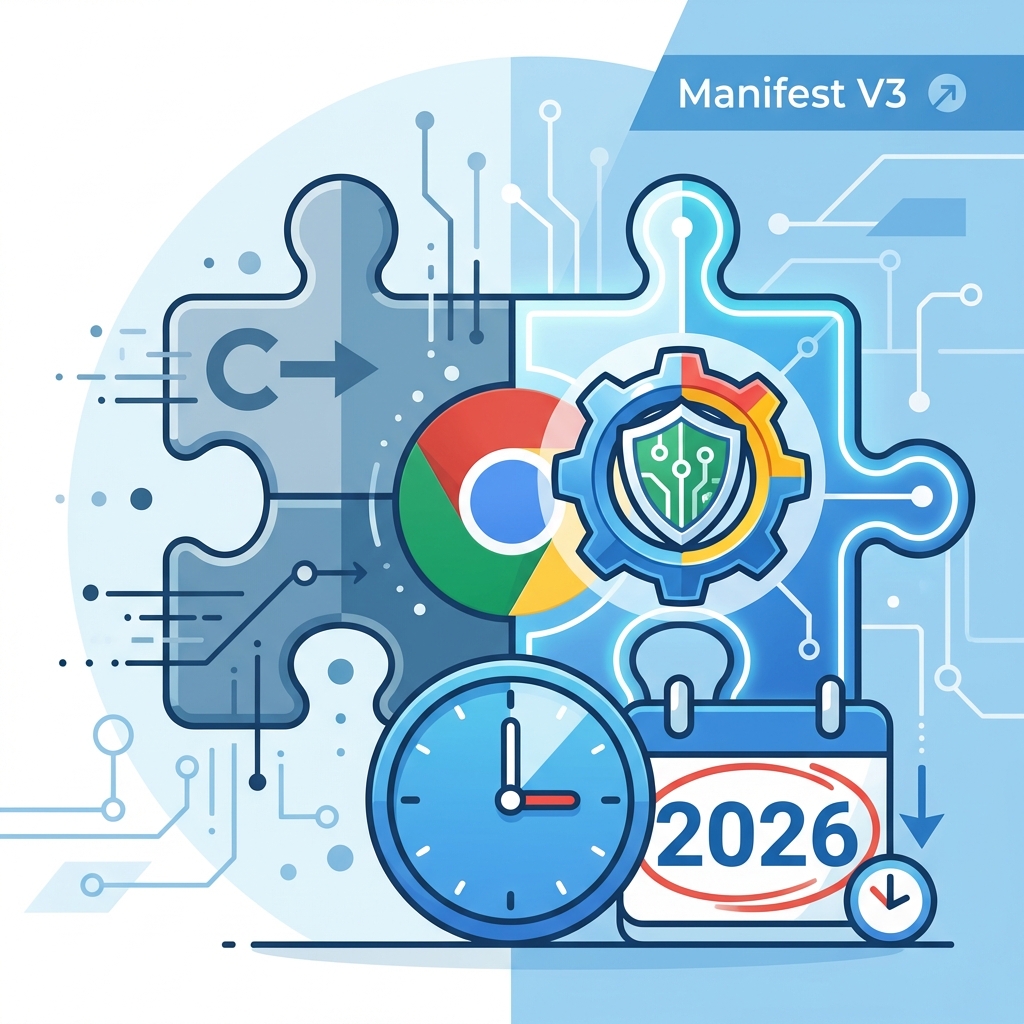
The "Manifest V3 Apocalypse" isn't a myth. It's here.
If you're reading this, you probably have a nagging notification in your Chrome Web Store dashboard, or worse, your extension has already stopped working for some users.
Migration isn't just a version number bump. It's a fundamental paradigm shift in how Chrome extensions work. The days of persistent background pages are gone. The days of easy DOM access in the background are gone. The days of executing remote code are completely gone.
But don't panic. Thousands of developers have made the jump, and so can you. In this guide, we'll cover the critical technical challenges you'll face and exactly how to solve them.
1. The Big Shift: Service Workers
The single biggest change in Manifest V3 (MV3) is the replacement of background pages with Service Workers.
The Problem
Background pages used to be like a hidden tab that was always open. You could store variables in window.globalVar, run timers indefinitely, and listen for events whenever.
Service Workers are ephemeral. They start up when an event occurs (like a click or a message) and terminate when they go idle. This means:
- Global variables are wiped every time the worker sleeps.
setTimeoutandsetIntervalare unreliable for long durations.- You have no DOM access.
The Solution: Event-Driven Architecture
You must stop thinking "keeps running" and start thinking "wakes up to handle this one thing."
Old (MV2):
// background.js
let userCache = {}; // ❌ RELIES ON GLOBAL STATE

chrome.runtime.onMessage.addListener((msg, sender, sendResponse) => {
  if (!userCache[msg.userId]) {
     userCache[msg.userId] = fetchData(msg.userId);
  }
  sendResponse(userCache[msg.userId]);
});
New (MV3):
// background.js
// ✅ STATE MUST BE PERSISTED
chrome.runtime.onMessage.addListener((msg, sender, sendResponse) => {
  chrome.storage.local.get([msg.userId], (result) => {
    if (result[msg.userId]) {
      sendResponse(result[msg.userId]);
    } else {
      fetchData(msg.userId).then((data) => {
        chrome.storage.local.set({ [msg.userId]: data });
        sendResponse(data);
      });
    }
  });
  return true; // Keep channel open for async response
});
Key Catch: Service workers can die during an asynchronous operation if you aren't careful. Ensure you use waitUntil (in standard SW contexts) or properly handle async returns in Chrome APIs.
2. Where is my DOM? (Offscreen Documents)
In MV2 background pages, you could create a hidden <iframe> or parse HTML using document.createElement. In Service Workers, the window and document objects do not exist.
The Problem
You need to parse HTML, copy text to the clipboard, or play audio, but the Service Worker has no UI API.
The Solution: Offscreen API
Chrome introduced the offscreen API to handle DOM-related tasks strictly for these purposes. You create a temporary, hidden HTML document, do your work, and close it.
Step 1: content of offscreen.html
<script src="offscreen.js"></script>
<textarea id="clipboard-target"></textarea>
Step 2: background.js
async function addToClipboard(text) {
  await chrome.offscreen.createDocument({
    url: 'offscreen.html',
    reasons: [chrome.offscreen.Reason.CLIPBOARD],
    justification: 'Copying text to clipboard',
  });

  chrome.runtime.sendMessage({ type: 'copy-data', text });
}
Step 3: offscreen.js
chrome.runtime.onMessage.addListener((msg) => {
  if (msg.type === 'copy-data') {
    const textEl = document.getElementById('clipboard-target');
    textEl.value = msg.text;
    textEl.select();
    document.execCommand('copy');
    // Close document after work is done (optional logic needed here)
  }
});
3. Remote Code is Dead
For security, MV3 bans the execution of remote code.
- No
eval(). - No
<script src="https://cdn.example.com/script.js">. - No fetching code strings and running
new Function().
The Impact
If your extension relies on downloading logic updates without a store review, that feature is dead. You must bundle all logic inside your extension package.
The Exception
You can still fetch data (JSON, configs) remotely. You just can't fetch executable code. If you need dynamic behavior, build a rule engine: fetch the rules (JSON), but keep the interpreters (JS) bundled in your extension.
4. Keeping an Eye on the Competition
Migrating to MV3 is hard. Your competitors are struggling with it too. This is a massive opportunity.
If your competitors are slow to migrate, their extensions might start breaking or get flagged by Chrome. You can use Extension Radar to monitor their status.
How to spy on migration status:
- Go to Extension Radar.
- Enter your competitor's URL.
- Check the "Last Updated" date.
- Read the latest reviews using the Update Impact Analysis.
If you see a competitor updated recently and suddenly got flooded with "It stopped working!" reviews, they probably botched their MV3 migration.
That is your moment to strike.
Read their 1-star reviews to see exactly what broke (e.g., "Background sync failed", "Login keeps logging me out"). Ensure YOUR migration handles those cases perfectly, then market your stability.
"While others are breaking, [Your Extension] is 100% Manifest V3 Ready and faster than ever."
5. Migration Checklist
Before you publish:
- Update manifest.json: Change
"manifest_version": 2to3. - Replace background scripts: Switch to
"service_worker". - Audit Permissions: Check that you aren't requesting
tabCaptureor other deprecated permissions improperly. - Test Offline: Service workers behave differently offline; ensure your error handling is robust.
- Check CORS: Cross-origin requests in content scripts behave differently; you might need to proxy them through the service worker.
Conclusion
Manifest V3 is not just a hurdle; it's a filter. It filters out unmaintained extensions and developers who aren't willing to adapt.
By mastering Service Workers and the new APIs, you aren't just complying with Google's rules—you're building a more performant, battery-friendly, and secure extension.
Don't wait until the absolute deadline. Start your migration today, and use the chaos to gain a competitive edge.
Need to check if your niche is MV3 ready? Analyze your top 5 competitors now.
Ready to analyze your Chrome extension?
Get AI-powered insights from your reviews in 60 seconds. No scraping required.
Analyze Your Extension Free