Chrome Web Store Developer Registration Fee 2026: Everything You Need to Know
How much does it cost to publish a Chrome extension in 2026? Is the $5 fee one-time or monthly? We answer all your questions about the Chrome Web Store developer fee.
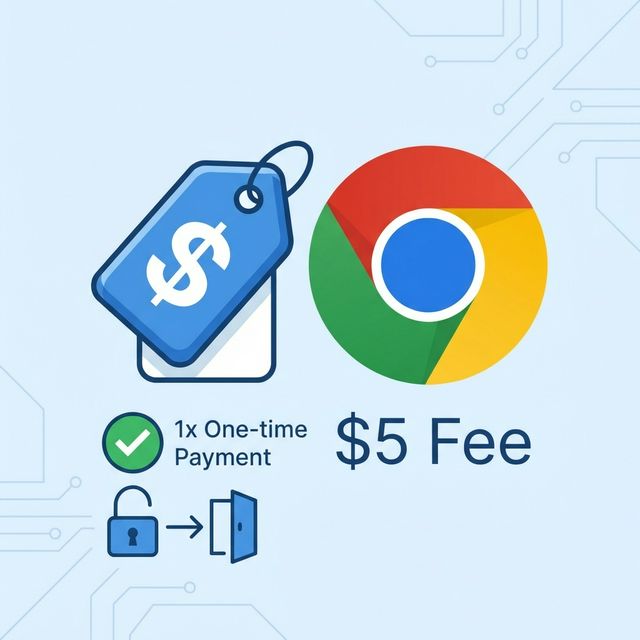
If you're planning to publish a Chrome extension in 2026, you probably have one question: "How much is this going to cost me?"
Unlike the Apple App Store ($99/year) or other platforms with recurring subscriptions, Google has kept it simple.
Here is the short answer.
How Much is the Chrome Web Store Developer Fee?
The fee is $5 USD.
That’s it.
- It is a one-time payment. (Not monthly, not yearly).
- It covers all your future extensions. (You don't pay per extension).
- It is valid for life. (As long as you don't get banned).
Once you pay the $5, you can publish up to 20 extensions under that single account.
Comparison with Other Stores
To put this $5 fee into perspective, let's compare it to other major app stores in 2026:
| Store | Cost | Frequency |
|---|---|---|
| Chrome Web Store | $5 | One-time |
| Apple App Store | $99 | Yearly |
| Google Play Store | $25 | One-time |
| Microsoft Edge Add-ons | Free | - |
| Firefox Add-ons | Free | - |
Chrome is surprisingly affordable, especially considering it has the largest user base of any browser extension platform.
Are There Any Hidden Costs?
Technically, no. The $5 is the only fee Google charges you.
However, building a serious extension business might incur other costs:
- Server Hosting: If your extension has a backend (Node.js, Python, database), you'll need to pay for hosting (e.g., AWS, Heroku, Vercel). This can range from $0 (free tiers) to thousands per month.
- Domain Name: If you want a verified publisher badge, you'll need to verify a domain name (approx. $10-15/year).
- Privacy Policy: You need a hosted URL for your privacy policy. You can use free sites like GitHub Pages or Notion, but a custom site looks more professional.
How to Pay the Fee
- Go to the Chrome Web Store Developer Dashboard.
- Sign in with the Google Account you want to use.
- You will be prompted to pay the registration fee.
- Enter your credit card details (Google Pay is often supported).
- Once processed, you can immediately start uploading extensions.
Note: Use a dedicated Google Account for your business if possible. If your personal account gets banned for some reason, you don't want to lose access to your extensions (and vice versa).
Conclusion
The $5 one-time fee is a ridiculously low barrier to entry for the massive audience you get access to.
If you're hesitating because of the cost, don't. It's the price of a coffee.
The real investment is your time and effort in building something people want.
Ready to start building? Check out our guide on How to Make a Chrome Extension in 2026.
Ready to analyze your Chrome extension?
Get AI-powered insights from your reviews in 60 seconds. No scraping required.
Analyze Your Extension Free